





Color Dash Endless Runner
Color Dash is a fast endless runner set in a tunnel of shifting colors. Your rocket keeps moving as gates approach one after another. Fly through gates that match your rocket’s color and avoid every gate with a different shade. The controls are simple, but the speed leaves little room for mistakes. A delayed reaction, late lane change, or wrong turn can end the run.
Color Dash Experience
Fast, Demanding Runs: Color Dash moves quickly from the start. Gates appear in different lanes, so you have to read the track and plan your next move at the same time. As the run continues, there’s less time to react. Switch lanes as soon as the route is clear, but don’t rush into the wrong gate. A fraction of a second can be enough to miss an opening, so each run has its own rhythm, and a strong finish feels earned.
Power-ups give you a brief advantage when the track gets crowded or the pace outstrips your reactions. You still need to watch the colors, but a well-timed power-up can help you recover from a difficult section, extend a strong run, or raise your score. Timing matters. Using one too early may waste its effect, while saving it for a dense sequence of gates can change the outcome.
- Shield: Protects the rocket from one collision for a limited time. Use it to recover from a mistake or get through a section where the correct lane is hard to reach. It can help when gates arrive close together and require quick direction changes. Keep checking the gate colors; the shield won’t protect you for long.
- Nitro Bolt: Gives the rocket a sudden burst of speed, helping it pass through several gates and collect points before the next obstacle. The faster pace changes your timing, so be ready to react as soon as the boost starts. Use it carefully: a poorly timed burst can make a difficult section harder to navigate.
Bright, Clear Graphics: Color Dash uses bright colors to make each gate easy to spot against the moving tunnel. The rocket’s color shows you which route to take, and the strong contrast helps you react quickly. After a while, the constant motion makes each opening harder to judge, especially during a long run. I like how the playful visuals sit alongside controls that leave little room for mistakes. Each second stays busy as the tunnel keeps changing.
How to Play Color Dash
In Color Dash, steer the rocket through gates that match its color and avoid the rest. A matching gate increases your score and keeps the run going; hitting the wrong color can cost a life or end the attempt. Each lane change affects the current gate and your position for the next one, so watch the pattern ahead and move toward the safe lane early. On a computer, use the left and right arrow keys or A and D. Tap briefly and steer in small adjustments instead of holding a key too long. When the speed increases, aim for the next safe gate first, then change course when more of the route appears. This keeps the pattern easier to read and helps protect a high score.
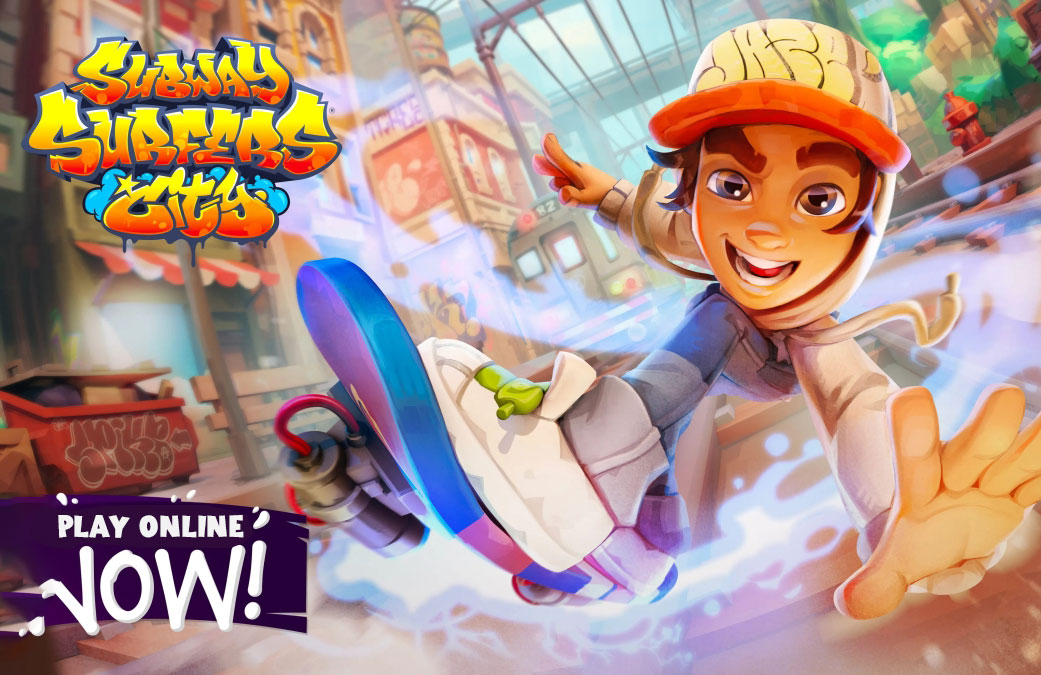
Endless runner games put you in fast-moving courses filled with obstacles, tight gaps, and sudden turns. You run, dodge, and jump, relying on quick reactions and good timing to stay alive. Color Dash centers on matching colors and switching lanes. Tunnel Rush sends you through a twisting route of walls and sharp turns. Subway Surfers combines lane changes with trains, barriers, and collectibles on a busy city track. Temple Run adds gaps, hazards, and abrupt turns to a chase through ancient ruins. The controls vary from game to game, but the challenge is the same: see what is coming, react quickly, and keep moving when the route narrows. That makes these games easy to pick up and hard to master, since clearing one more section can be enough to beat your previous score.
How to play
-
Keyboard
Arrow keys or W A S D to move, Space to jump, Shift to slide or dash.
-
Touch
Swipe left, right, up or down to move, jump and slide.
-
Tips
Look ahead rather than at your character, and keep a steady rhythm — perfect timing beats panic.
Best score is saved locally in your browser. No download or registration required.