



Color Tunnel: Neon Speed
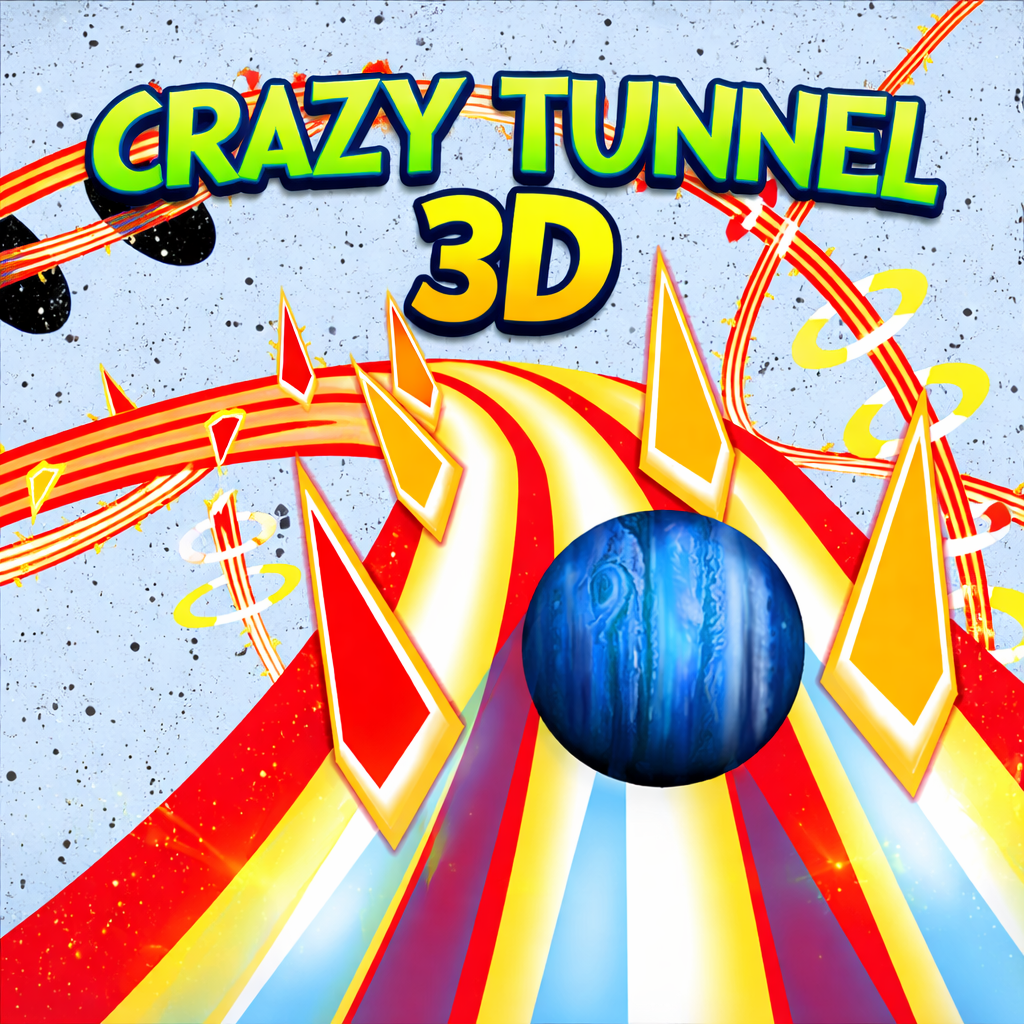
Color Tunnel is a fast-paced endless runner set inside a glowing 3D tunnel. Sharp turns, shifting patterns, and sudden obstacles force players to react quickly. Each run starts immediately and ends on collision, so success depends on reading the tunnel and timing every move. As the course changes, the pressure builds with every second.
Fast Gameplay
Color Tunnel moves players through a changing tunnel at high speed. Steer left or right to avoid obstacles and stay on the route as long as possible. There is no lengthy setup or character system to manage. Players read the next opening and react quickly; one mistake can end the run.
The controls are easy to pick up, but the faster pace changes how you handle each obstacle. A turn that looks safe can close within seconds, especially when several barriers appear at once. Keep your eyes near the center of the tunnel instead of reacting to the nearest shape. You’ll have more time to spot the next opening and avoid overcorrecting.
Barriers include rotating objects, moving walls, narrow openings, and tight sections with little room to adjust. Players must spot a route, choose a direction, and commit before the tunnel moves past it. As the speed increases, hesitation becomes harder to recover from. Careful control helps, but the later sections remain unforgiving: one rushed input can send the run straight into an obstacle.
Progressive Levels
Color Tunnel unlocks new levels as players travel farther through the course. Each stage changes the pace and introduces a different challenge. Some sections test reaction speed; others require players to keep a steady line through a narrow passage. Because the obstacles vary from level to level, the route does not become predictable. Familiarity helps, but players still need to watch the moving course and react in real time.
New stages introduce several changes:
- Higher movement speed leaves players less time to react.
- Denser obstacle patterns occupy more of the visible tunnel.
- Narrower safe paths leave less room for correction.
- More complex hazard layouts combine movement with rotation.
- Shorter gaps between barriers reduce reaction time.
- Direction changes occur more often within the same section.
The difficulty rises over time, giving players room to learn the steering before later stages demand cleaner inputs and sharper anticipation. Some arrangements are manageable while the next requires a near-perfect turn. That unpredictability adds tension, especially when a player is close to beating a personal best.
Neon Tunnel Design
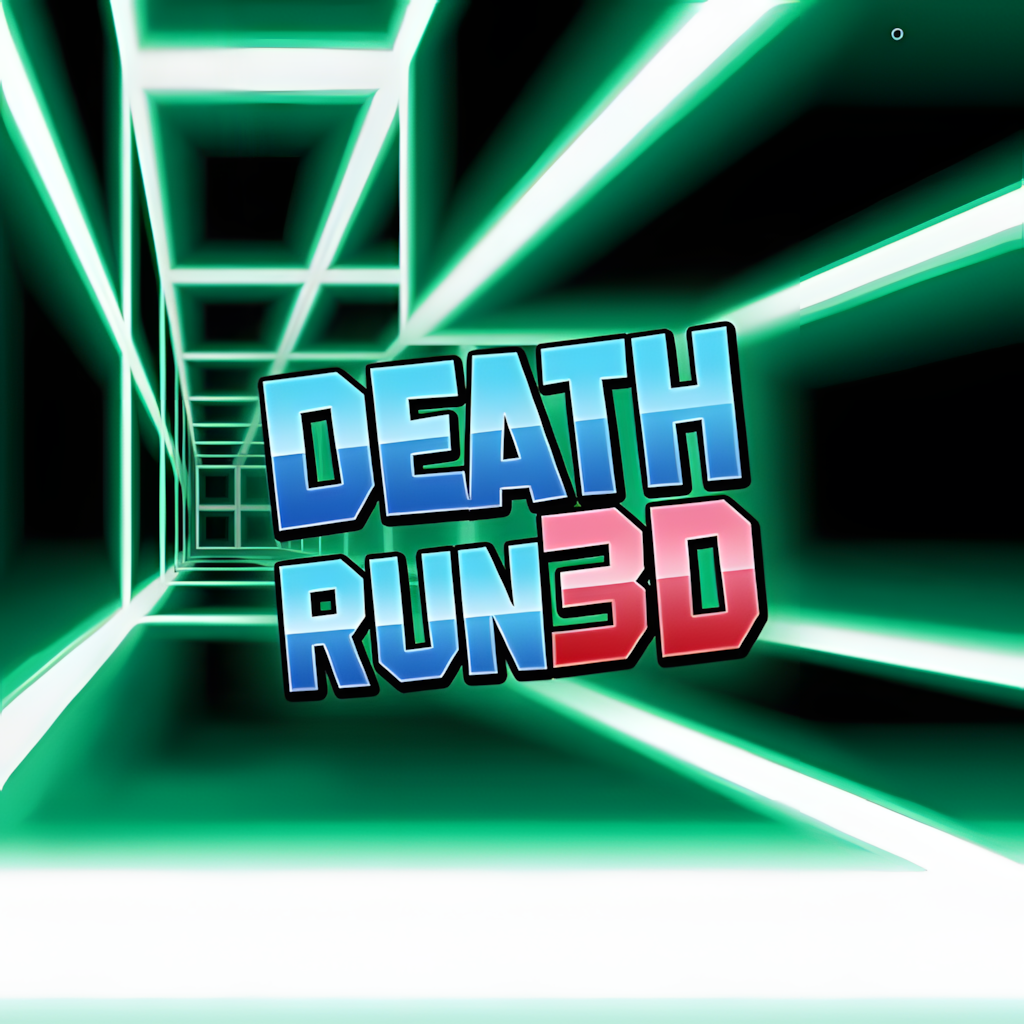
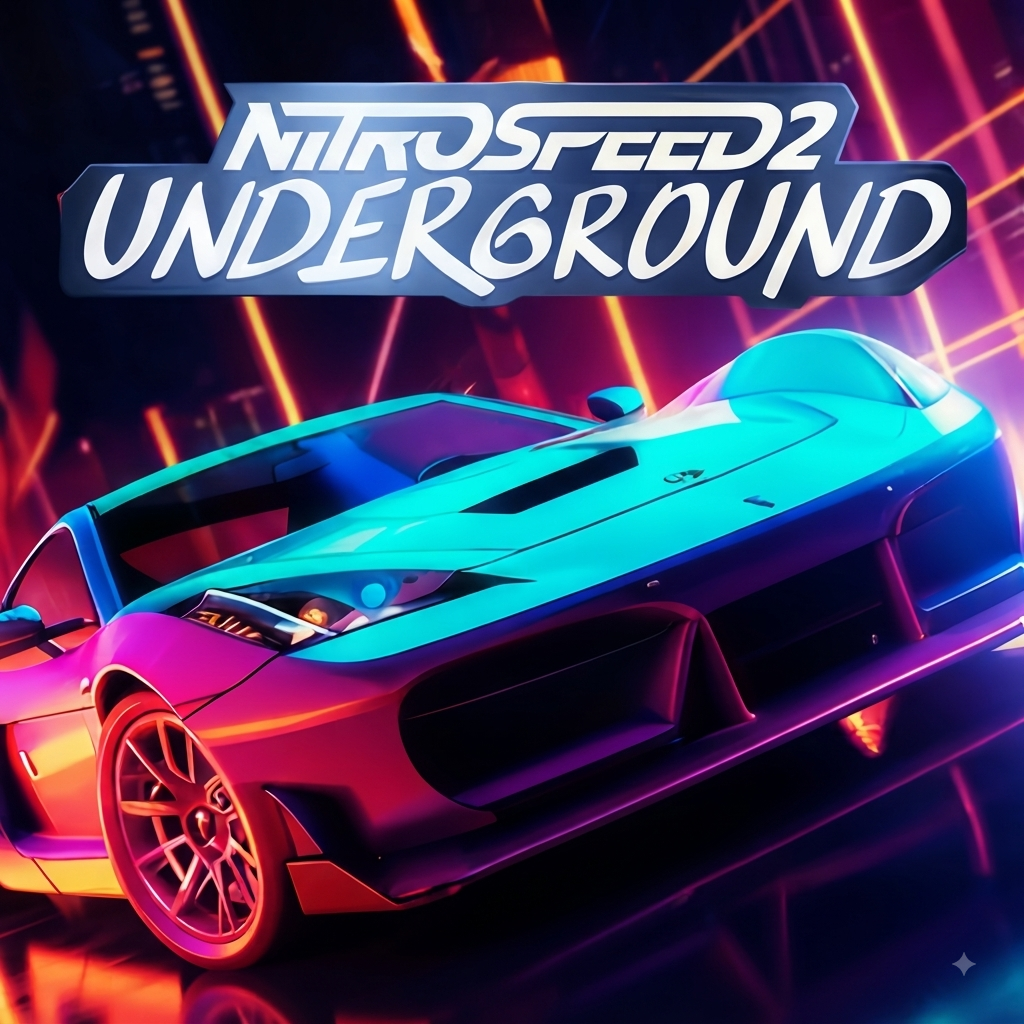
Color Tunnel pairs a bright neon tunnel with constant color shifts. As the player moves forward, the walls, barriers, and background change hue, making the course feel fast without crowding the interface. Smooth transitions keep the tunnel flowing, and glowing edges mark the route against the surrounding space. The course changes so quickly that your eye barely has time to settle.
The visual design helps with gameplay. Strong color contrast makes barriers easier to see at high speed, while the repeating tunnel shape keeps attention on the next opening. The changing colors can become intense during long runs, but the simple layout keeps essential information visible. A quieter background might make later stages easier, though the neon look gives Color Tunnel its arcade feel.
Simple Controls
The game uses only a few controls, so steering and timing stay central.
- Use the Left or Right Arrow keys, or A and D, to steer.
- Press Spacebar to pause the run or restart after a collision.
Short taps help when a barrier approaches from one side. Avoid holding a direction too long, since the tunnel may shift faster than expected and push the character into the opposite wall. In tight sections, make small corrections instead. Press Spacebar to pause for a break or start another attempt without opening the menu.
More Tunnel Runners
Players who enjoy Color Tunnel can also try these fast tunnel games:
- Color Tunnel 2
- Tunnel Rush
- Super Tunnel Rush
How to play
-
Keyboard
Arrow keys or W A S D to move, Space to jump, Shift to slide or dash.
-
Touch
Swipe left, right, up or down to move, jump and slide.
-
Tips
Look ahead rather than at your character, and keep a steady rhythm — perfect timing beats panic.
Best score is saved locally in your browser. No download or registration required.