







Interstellar Run
Interstellar Run places you in a rotating space tunnel. As you run forward, the tunnel turns around you, so the surface beneath your feet can become a wall. With no fixed sense of gravity, you need to judge where the next safe path will be and time each jump. The controls are simple, but staying on the narrow route takes quick reflexes and careful timing.
Gameplay
Interstellar Run puts a twist on the endless runner: the tunnel rotates around your character. You steer through the corridor as obstacles approach from different sides. A gap might be ahead, above, or beside you, and the next platform can swing into view at an awkward angle, leaving little time to react. Keep your balance, jump over gaps, and stay on the route as the spinning corridor gets harder to navigate.
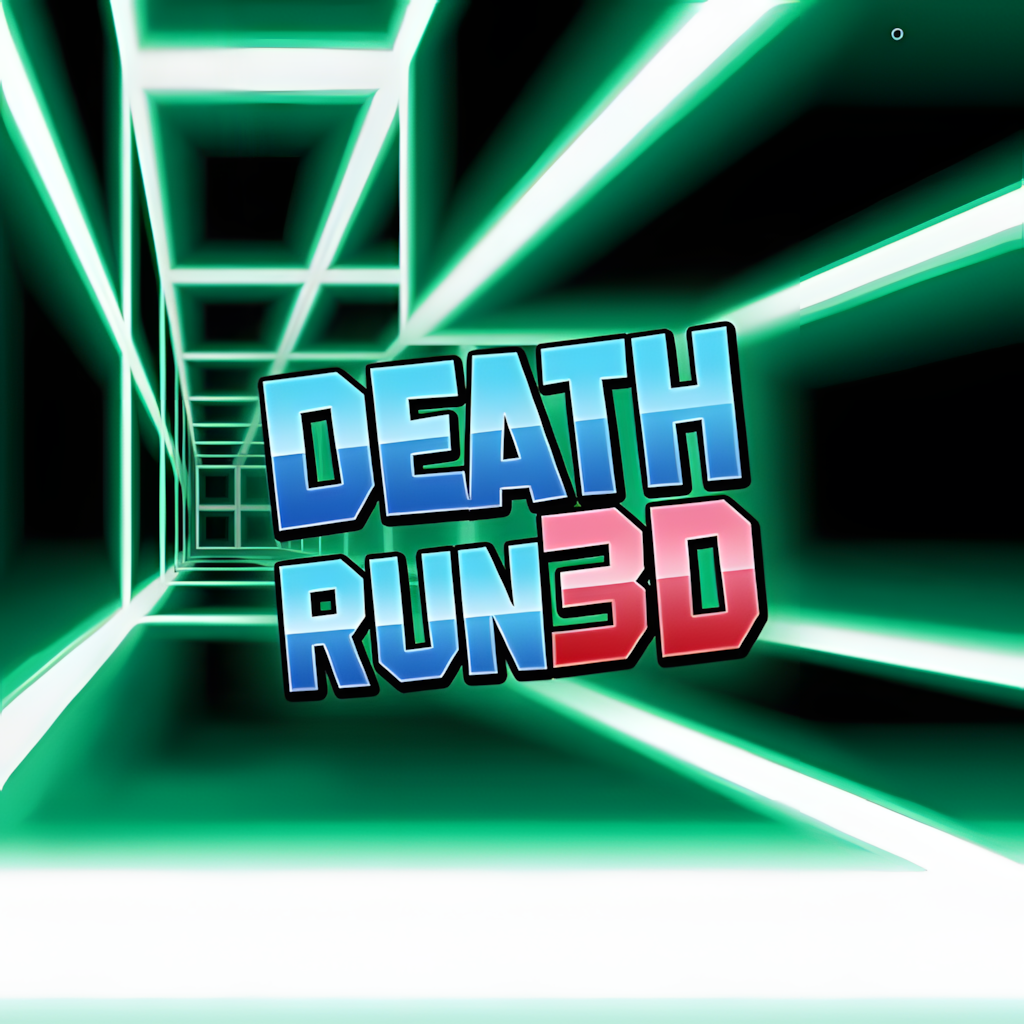
As you move deeper into the tunnel, the rotation speeds up and the lights pass by faster. Neon surfaces help show the route, but when several hazards appear at once, they can make the screen hard to read. Timing matters more than constant movement. Press too early and you may hit a wall; wait too long and you may miss a platform. The turning course has a rhythm-game feel, with your eyes and hands working in sync. There’s no finish line. Your score depends on how long you last and what you learn for the next attempt. Some runs end quickly; others find a steady rhythm.
Key Features
- A 360-degree rotating tunnel creates a convincing zero-gravity illusion. The route can shift beneath the runner, making the screen part of the challenge.
- Neon cosmic graphics combine bright surfaces, dark space, and glowing paths. The style keeps the tunnel easy to read while giving each jump an arcade-like pace.
- Electronic beats follow the movement and provide a steady pulse. They do not replace visual timing, but they can help signal when the tunnel’s pace changes.
- Rising speed and tougher obstacles make later sections more demanding. Gaps are harder to judge, safe paths move by faster, and familiar moves require more precise timing.
- The controls are easy to learn, but improving takes practice. Runners must learn when to rotate, jump, or hold their position.
- Each run creates a different set of pressures, giving the game replay value. Even a short attempt can reveal what ended the previous round and what to change next time.
- Clear visual feedback connects movement to the tunnel’s position. Focusing on the path instead of every flash on screen makes the course easier to read.
Controls
- Left and Right Arrow Keys: Rotate the tunnel to shift the route around the runner. Use small presses to line up a platform, then adjust more as the path turns.
- Spacebar: Jump over gaps, broken sections, and other hazards. Check the landing spot before jumping. Turns can make it harder to adjust mid-jump.
- Tip: Focus on the next landing area rather than the whole tunnel. Watch the movement rhythm and time your inputs. If the route gets hard to follow, pause briefly until it comes back into view.
Games Like Interstellar Run
Interstellar Run suits players who like spinning tunnels, quick reactions, and space-themed settings. For a similar 3D reflex challenge, Tunnel Rush sends you through a fast corridor of turns and obstacles. Slope Xtreme emphasizes steep paths, speed, and precise steering, leaving little room to recover from mistakes. Run 3 offers another space-running challenge with unusual tunnel layouts and routes that change as you play.
Each game handles movement differently. Tunnel Rush tests quick visual reactions, Slope Xtreme calls for steady steering, and Run 3 makes you choose routes as you go. They all have endless movement, but the pace and layout vary. Try a short session in each, pay attention to how jumps and turns work, and see which style fits your timing.
How to play
-
Keyboard
Arrow keys or W A S D to move, Space to jump, Shift to slide or dash.
-
Touch
Swipe left, right, up or down to move, jump and slide.
-
Tips
Look ahead rather than at your character, and keep a steady rhythm — perfect timing beats panic.
Best score is saved locally in your browser. No download or registration required.